Changelog
Every feature, improvement, and fix shipped to NOX — newest first.
Signal & Smoother Typing
Signal Desktop messages now appear in your unified inbox, and AI drafts no longer interrupt you mid-keystroke.
- Signal Desktop integration brings another platform into your inbox
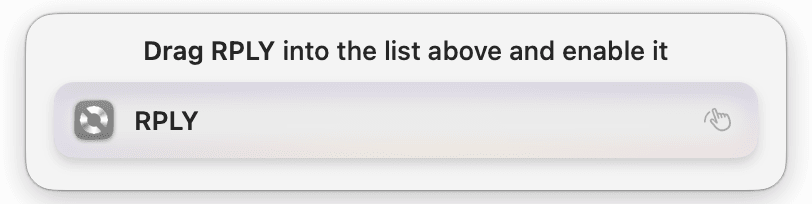
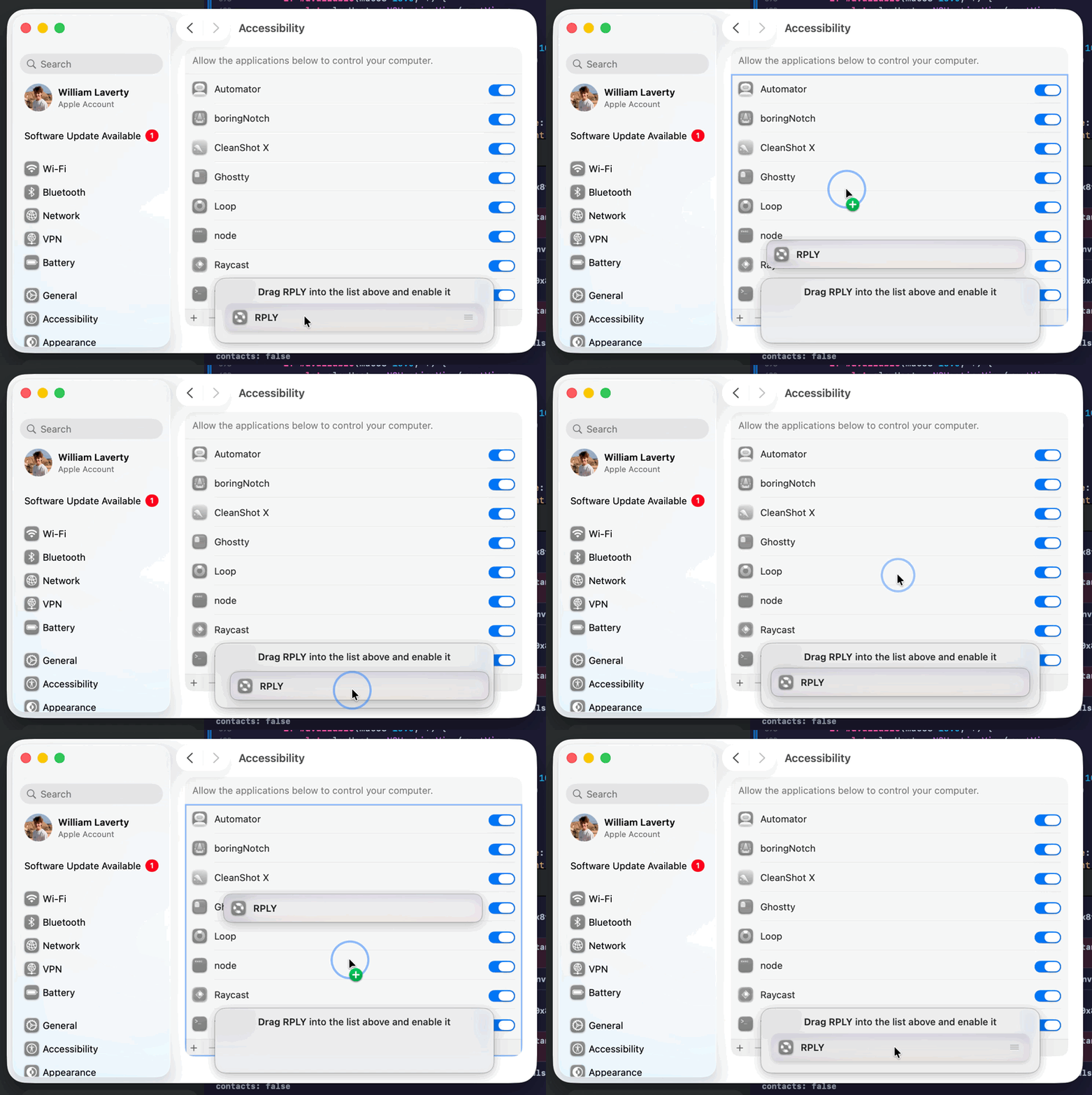
- Accessibility drag-to-grant guide overlay simplifies permissions setup
- AI draft no longer splices into your reply while you're still typing
- Submitted text no longer reappears in the editor after sending
- Telegram 2FA login has been fixed
- X cookie verification respects rate limits
- Keychain prompts no longer pop up on every launch
- Startup warning spam is eliminated
- Background daemon recovers gracefully after network listener drops
Drag, Drop & Faster Launch
You can now drag and drop conversations between inboxes to organize your workflow, and a revamped startup pipeline makes the app noticeably snappier.
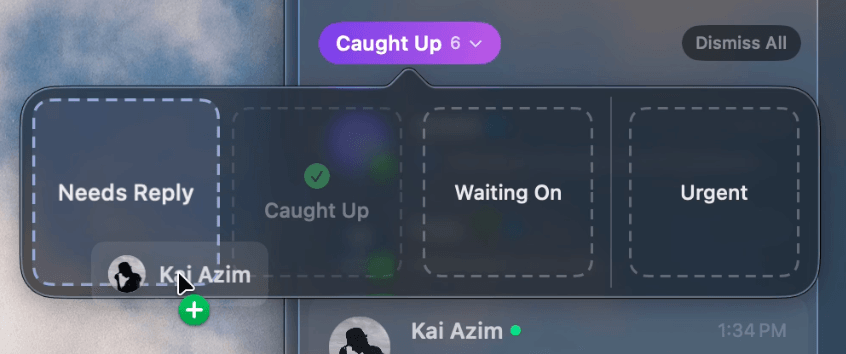
- Drag and drop conversations between inboxes
- Friends view supports multi-platform contacts with avatar badges and deduplication
- Send button no longer hangs when approving a reply
- Gmail drafts no longer overwrite user-edited replies
- Calendar auto-add no longer sends real invites or duplicates events
- Notifications for old conversations are now suppressed
- AI draft tone now better matches your own writing style based on your sent messages
- Reply suggestions no longer fire after outgoing calls
- Opening calendar events now respects your default calendar app
- Dismissal state hang and stale editor on conversation switch are resolved
- Completed onboarding is no longer lost when permissions go missing
- Improved message classification using sender context
- More reliable reply detection with fewer missed responses
Swipe Actions & Native Notifications
Swipe actions on conversation rows let you archive, snooze, or dismiss without opening a thread, and native macOS notifications now ping you when a message needs a reply.
- Swipe-to-reveal actions on conversation rows for quick archive, snooze, and more
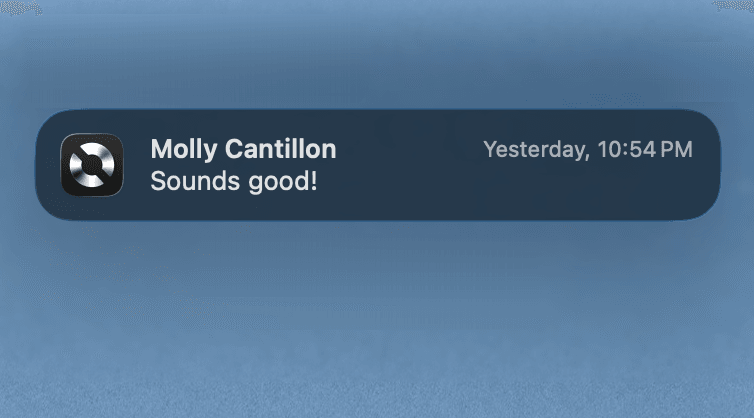
- Native macOS notifications alert you when incoming messages need a reply
- MCP server enables standalone conversation intelligence
- Free trial sheet now appears right after onboarding
- Redesigned changelog view shown before installing updates for better clarity
- Menu bar badge now shows only the "Needs Reply" conversation count instead of total unreads
- Liquid Glass backgrounds now follow window corner radius correctly
Discord, Dock Badge & API Control
Discord DMs join your unified inbox, and a new unread badge on the dock icon keeps you aware at a glance.

- Native Discord DM integration brings another platform into your inbox
- Unread message count badge now appears on the dock icon
- Local API write endpoints let you send messages and replies programmatically
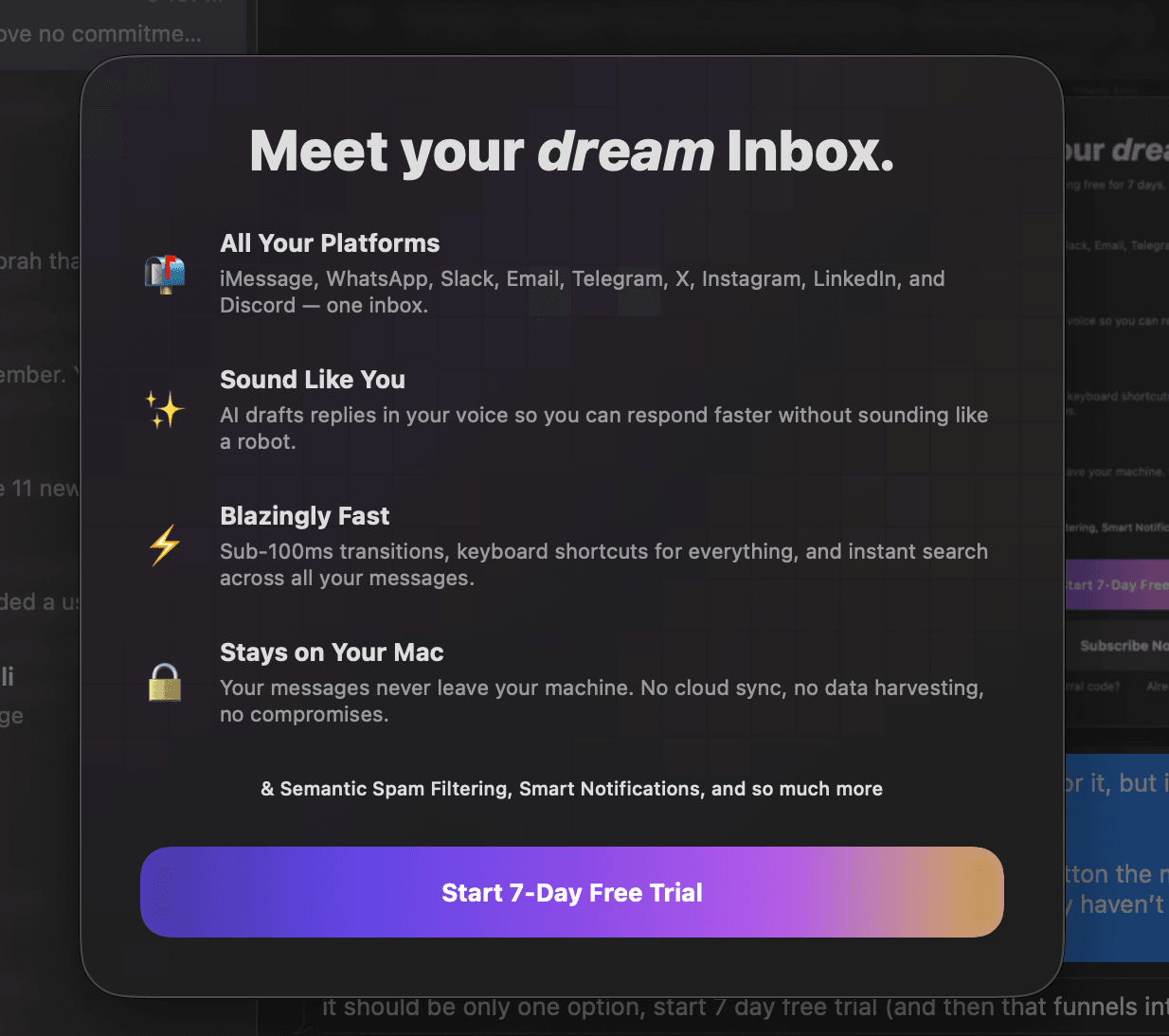
- Redesigned paywall with Liquid Glass polish and full-window layout
- New 7-day free trial instead of usage-based trial
- Paywall subscription recovery is more reliable
- Initial scanning animation no longer clips at the sidebar edge
- Update banner is now more prominent inside an in-app alert
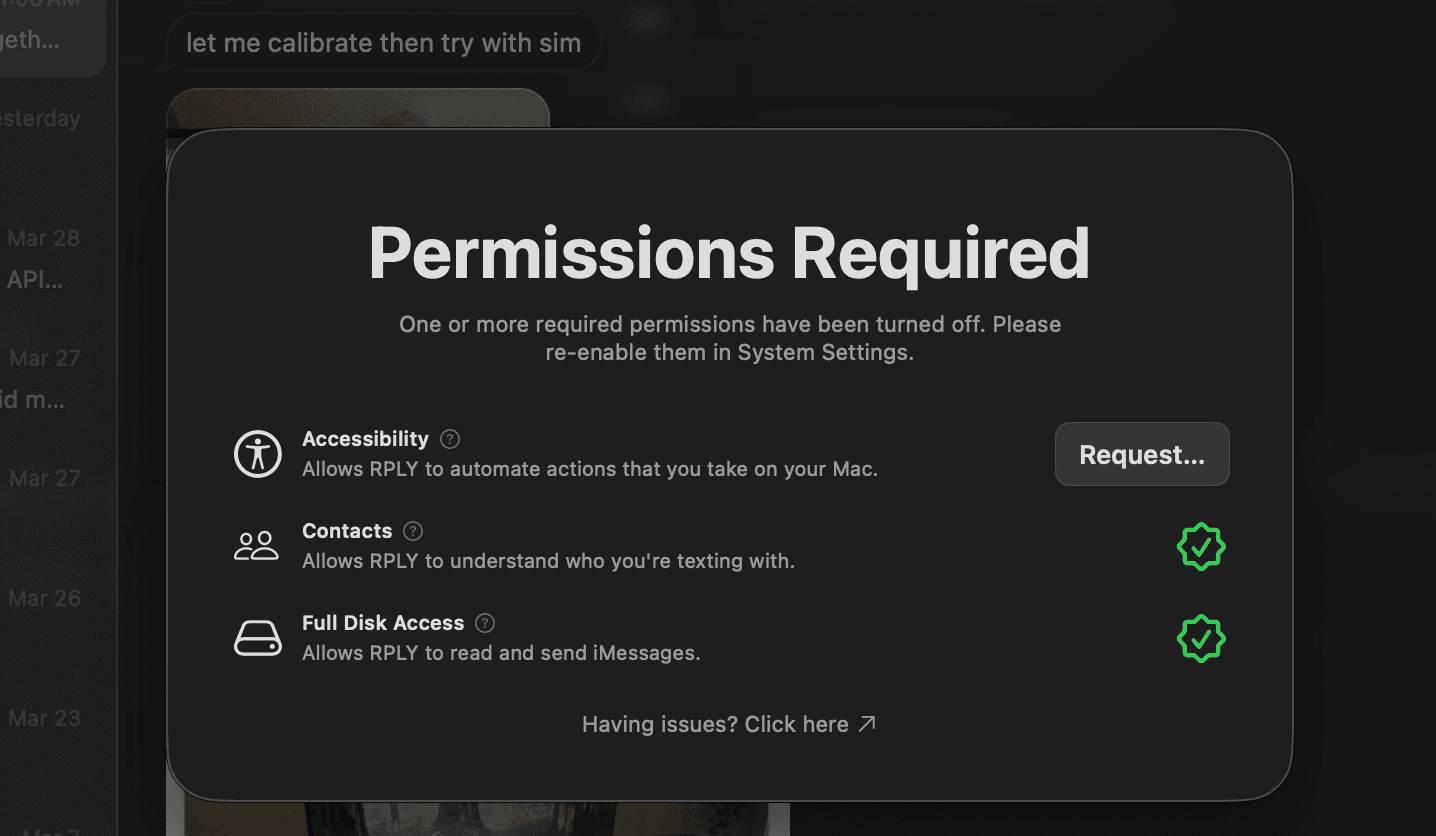
- Permissions recovery sheet appears when permissions are revoked
- Chrome Safe Storage no longer triggers repeated prompts
- Fixed some alignment errors inside the chat view
- Story mode share icon cleaned up and properly aligned
- Never-reply tooltip now visible on hover
- Reply generation is noticeably faster after onboarding
Fresh Tabs & Stability Improvements
A cleaner, faster inbox experience with redesigned tab sections and refined Liquid Glass details across Hive contact avatars.
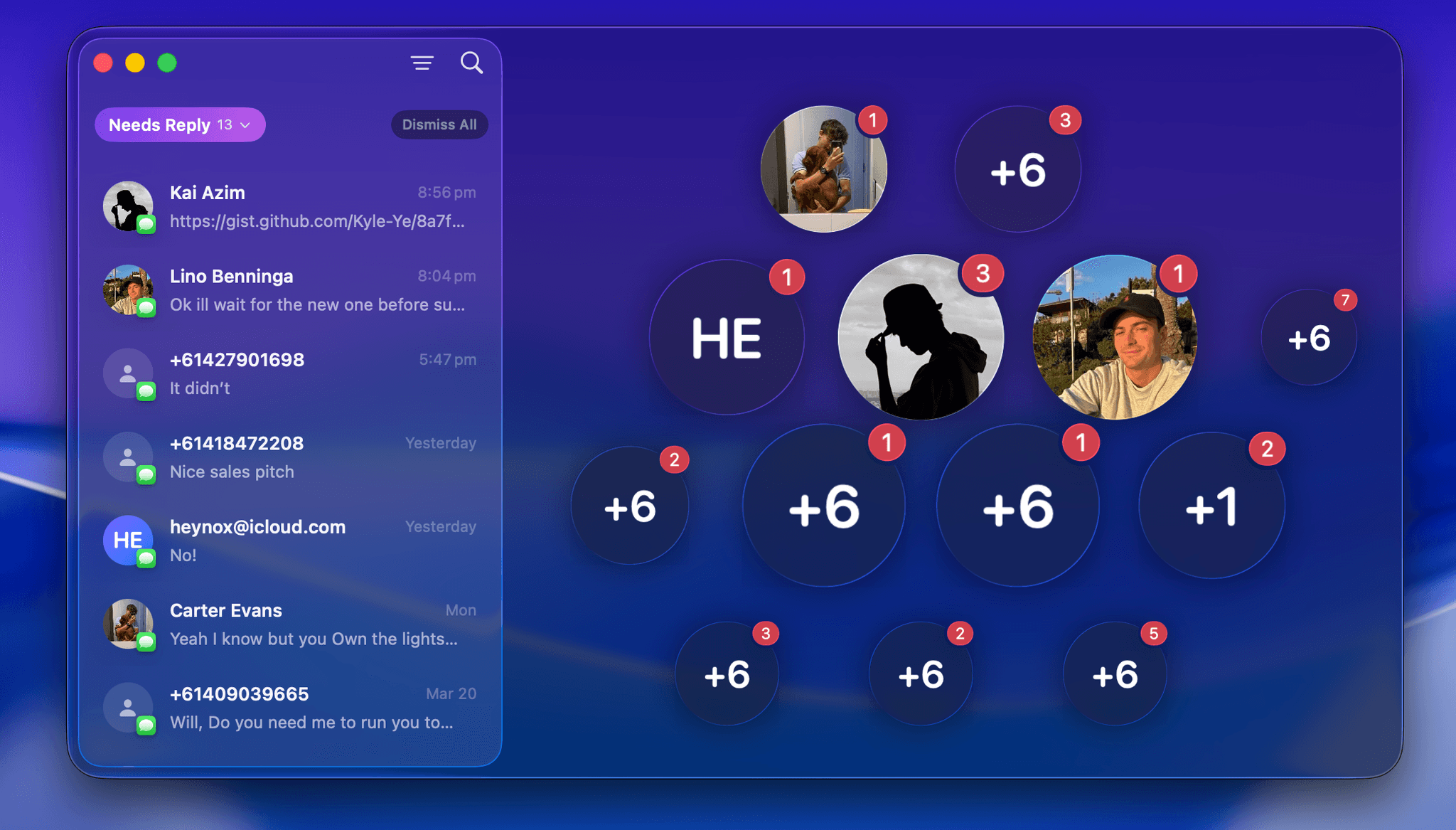
- Redesigned tab sections for smoother, more intuitive inbox navigation
- Liquid Glass polish enhances Hive contact avatars
- Snooze context menu and inferred contact banner are restored
- Improved multi-chat selection behavior in the sidebar
- Smoother onboarding with improved animation performance
- Clearer and more intuitive empty inbox states
- Fixed shortcut tooltips lingering behind popovers and menus
- Update banner repositioned for better visibility
- Faster performance with batched conversation cache rebuilds
Smarter Replies & Liquid Glass
A fresh Liquid Glass polish across the app with faster launch performance. AI replies now support image OCR and calendar scheduling.
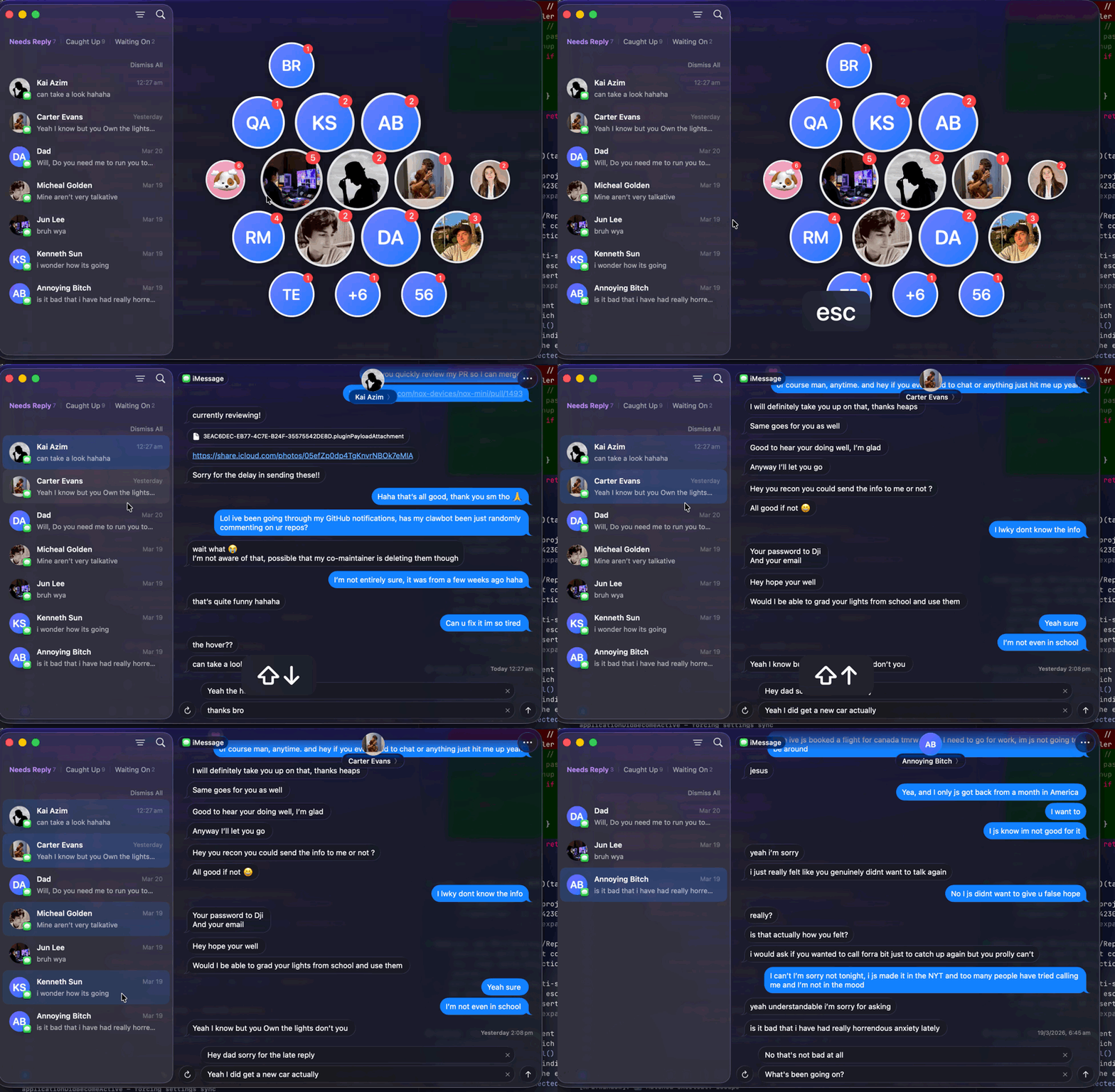
- Redesigned conversation view with Liquid Glass polish
- Multi-select conversations in the sidebar for bulk actions
- Shorter, more streamlined onboarding
- AI-generated replies improved for group chats, image OCR, and calendar scheduling
- Contact name suggestions now enhanced with Apple suggestions
- New snapshot cache restores your inbox instantly on launch
- Message views now open scrolled to the latest messages
- Fixed alignment issues in demo mode
Snooze & Slim Down
Snooze any conversation and have it resurface automatically when you're ready. We also cut the app bundle size by ~65% and made inbox loading significantly faster.
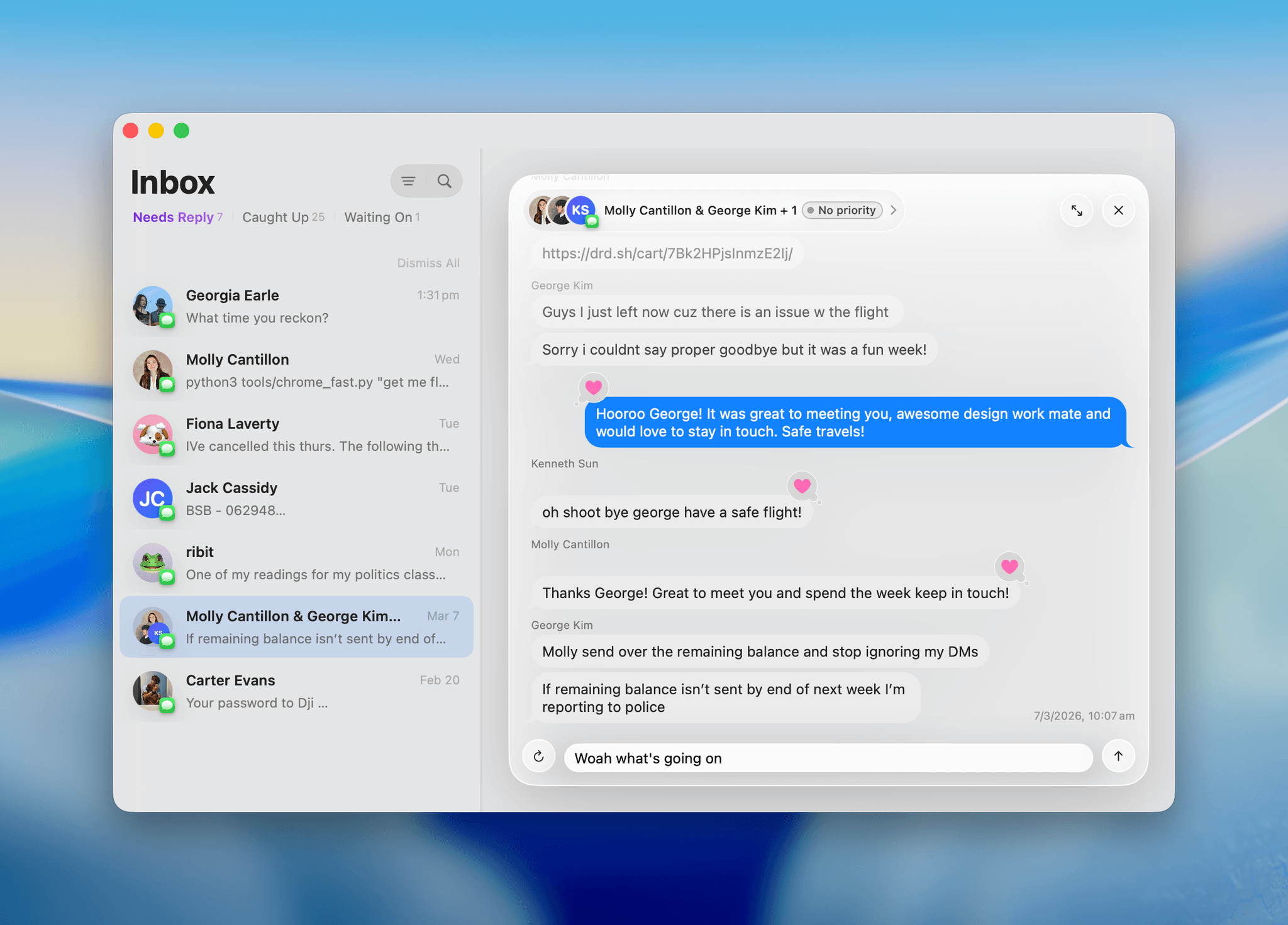
- Snooze conversations with time-based auto-restore
- Connected account usernames now visible in the UI
- Polished email display with better formatting, names, avatars, and links
- Sender names now appear on the first message in a group chat run, not the last
- Tapback reaction spacing no longer overlaps sender names in group chats
- Edited reply text is now sent instead of stale auto-drafts
- Duplicate messages no longer fire from rapid concurrent sends
- Chats no longer vanish when someone else's reaction is the latest message
- Reply drafts clear correctly when switching inbox conversations
- Messages window overlays will now show/hide more consistently
- App bundle size cut by ~65%
- Inbox loads faster with streamed conversation deltas instead of full snapshots
Polish & Performance Improvements
AI-powered replies and classification now run server-side. We also fixed Inbox Zero and message dismissal quirks.
- AI reply suggestions and classification now run on our backend, while keeping your data completely private
- Inbox Zero and message dismissals work correctly again
- Local API docs are now grayed out when disabled
- Restored missing animations in the Settings window
RPLY MCP & Platform Improvements
RPLY MCP is here to work with all your agents. We also squashed a few bugs to make platforms significantly more performant.
- Telegram login with OTP—no more QR codes
- Shimmer overlays guide you through permissions setup
- Reset app data button when you need a fresh start
- Priority filters and contact categories now persist between launches
- Group chat support for WhatsApp with proper names and avatars
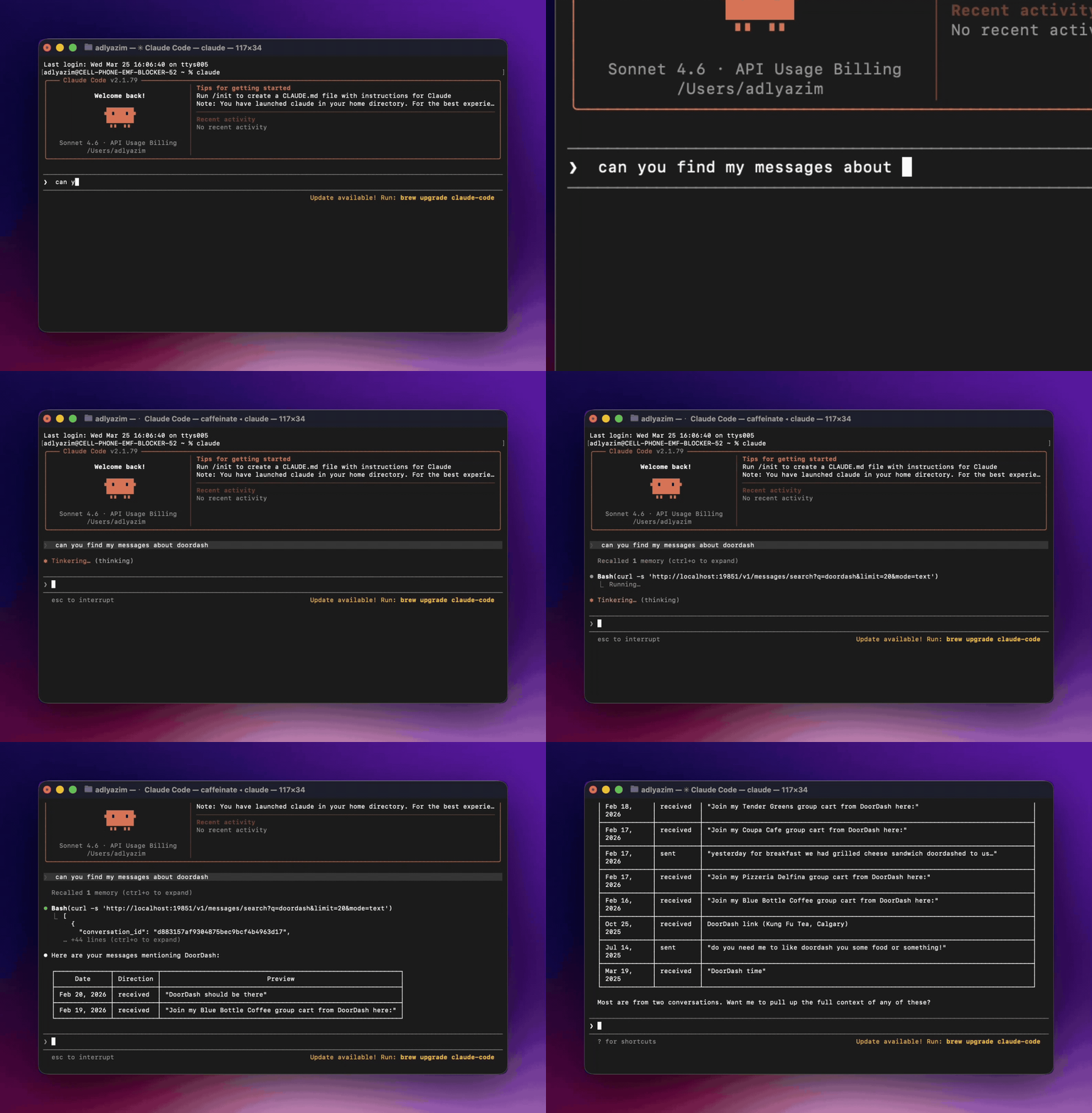
- RPLY MCP available for all agents
- X DMs no longer vanish, go stale, or pick the wrong database
- WhatsApp QR spinner no longer hangs forever
- Keyboard shortcuts work on first press in two-pane layout
- Dark mode tapback reactions actually visible now
- Conversation switches don't freeze the UI mid-transition
- Ghost/Always Ignore feature works again
- Tab titles stop disappearing when switching via keyboard
- Instagram stays logged in after server restarts
RPLY 2.0
One inbox for iMessage, WhatsApp, Instagram, X, LinkedIn, Telegram, Email, and Slack. Filter by channel, priority, or time range—sort however you want.
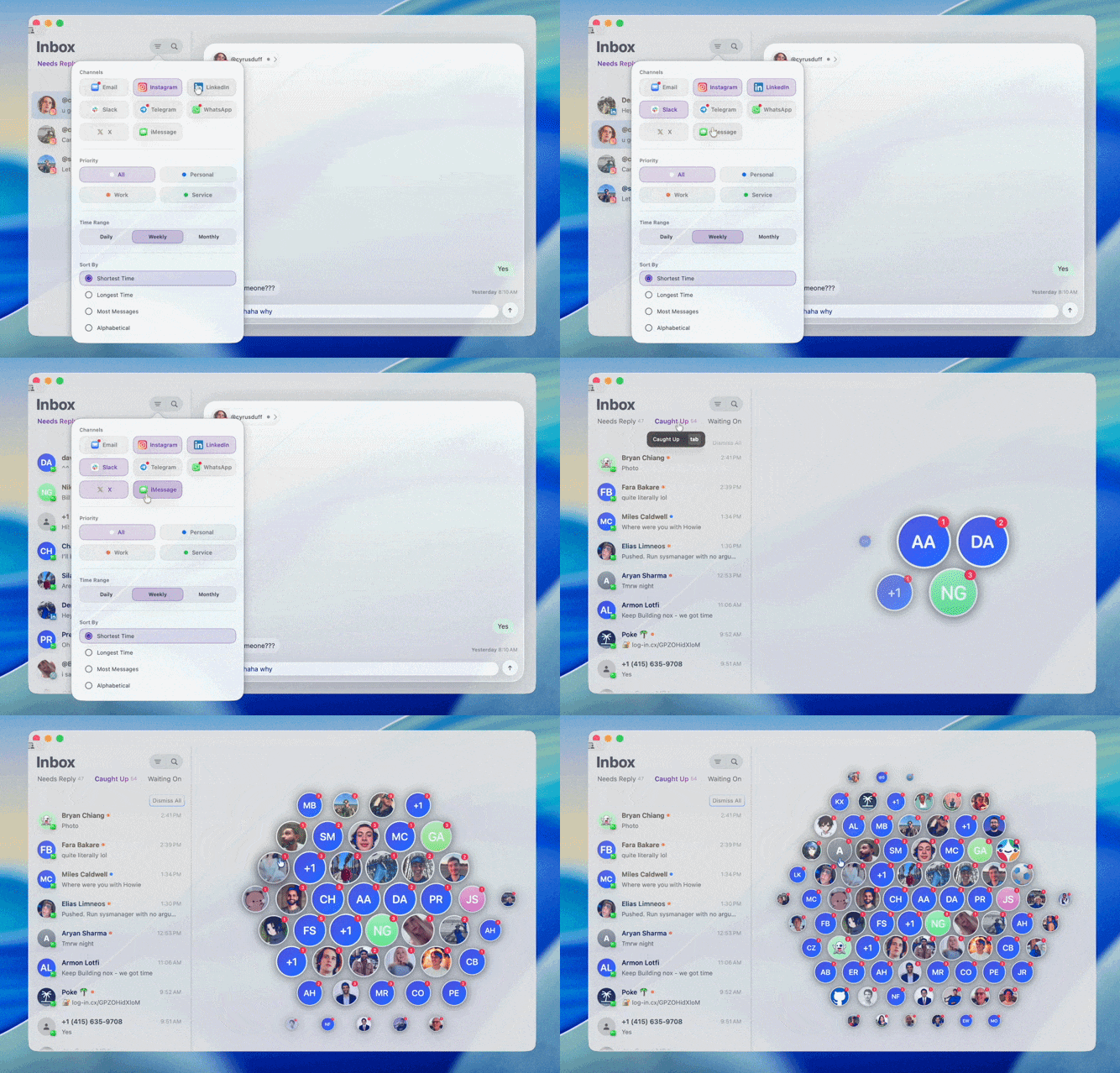
- Transformed UI into easy sorting and viewing inbox
- Added X, LinkedIn, Telegram, Email, Slack, Instagram in additon to iMessage and Whatsapp
Call History, Attio CRM Integration
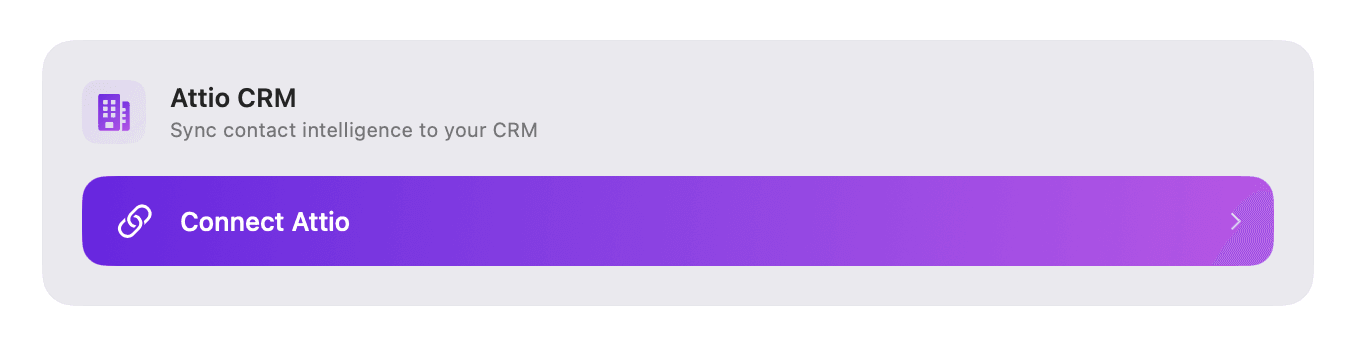
RPLY now sees your missed calls and weaves them into the messaging interface. Plus, your contacts can now instantly sync with Attio CRM.
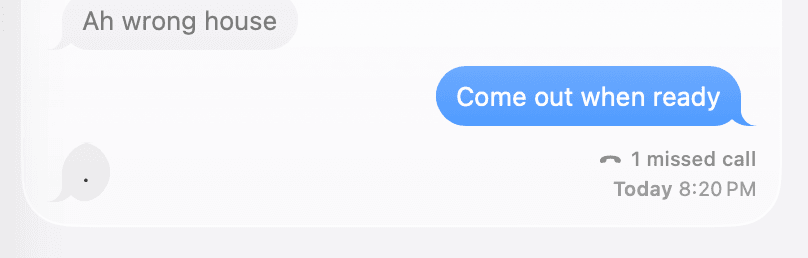
- add missed call badge with smart filtering
- add Attio integration for CRM syncing
- re-enable platform styling and add draft persistence tracking
- propagate outgoing message updates + flush draft on blur
- restore chat bubble platform styling
- improved ui for inbox tab bar + general fixes
- generate contact summary in the background
- contacts knowledge list filtering
- update inbox tab bar ui
Your Privacy, Protected
We've reduced background data collection to keep your conversations more private and help the app run lighter on your Mac.
- remove LLM usage tracking integration
Smoother Onboarding
Quick fix to improve onboarding—RPLY no longer generates AI replies for conversations with NOX support, letting you focus on real messages.
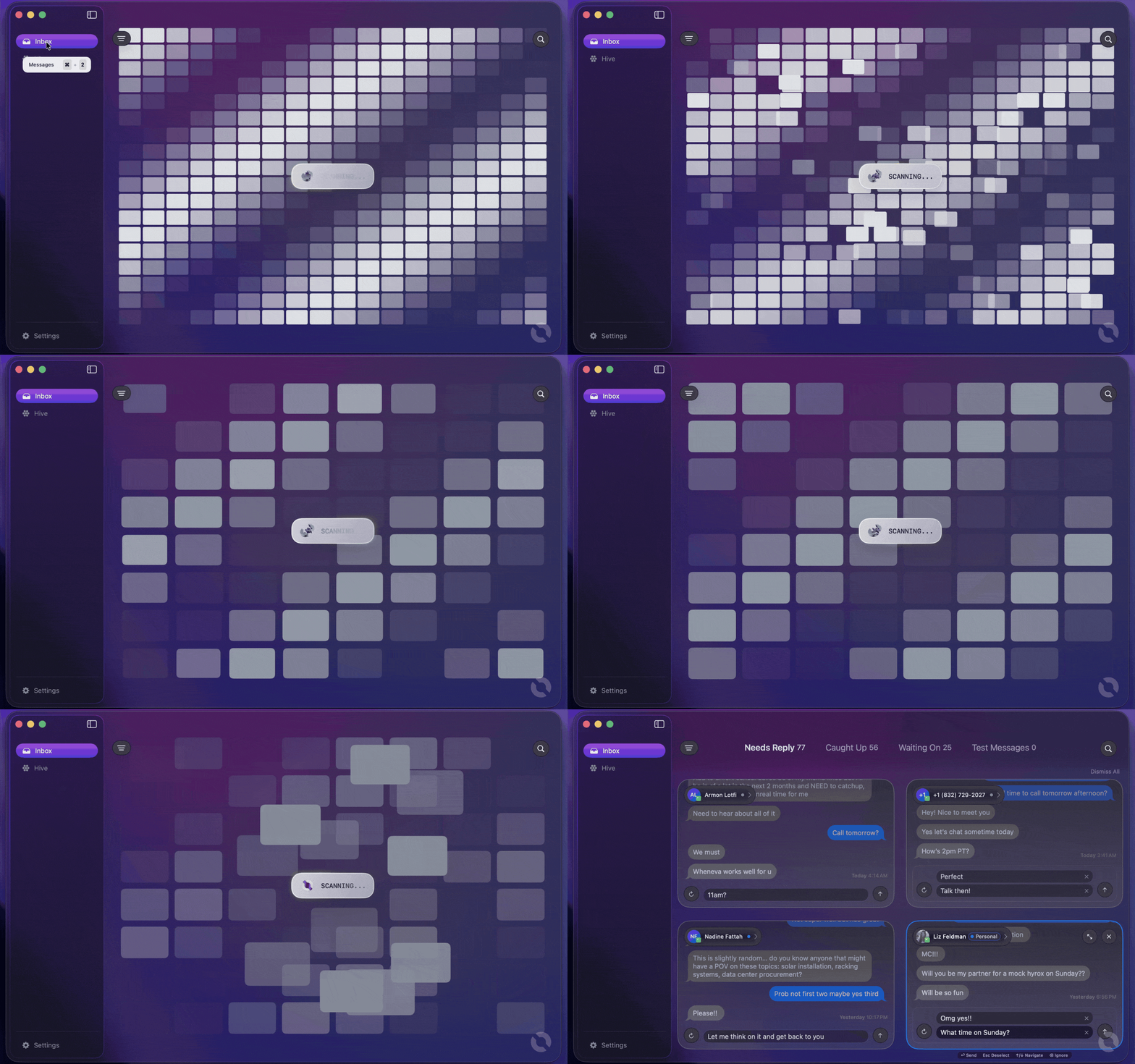
- Fixed onboarding by preventing AI reply generation for NOX support chats
Smarter Inbox & Keyboard Shortcuts
Your inbox just got smarter with refined priority sorting and improved demo mode. Plus, new keyboard shortcut prompts help you navigate faster, and spam filtering keeps unwanted messages out of sight.
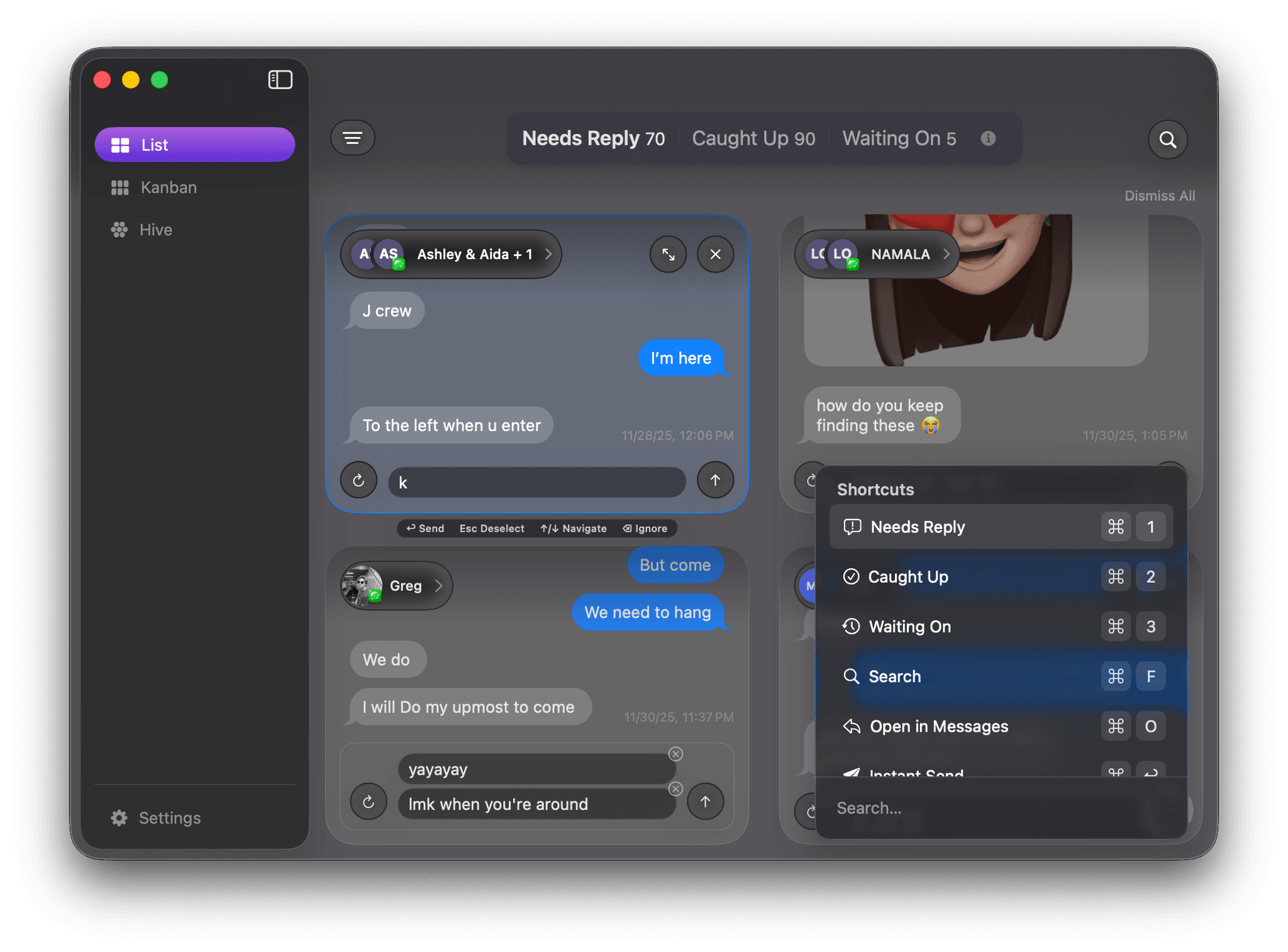
- Keyboard shortcut prompts to help you learn navigation faster
- Spam and automated message filtering to keep your inbox clean
- Refined priority UI with better visual hierarchy
- Improved demo mode behavior and stability
- Fixed priority syncing issues
- Various regression fixes
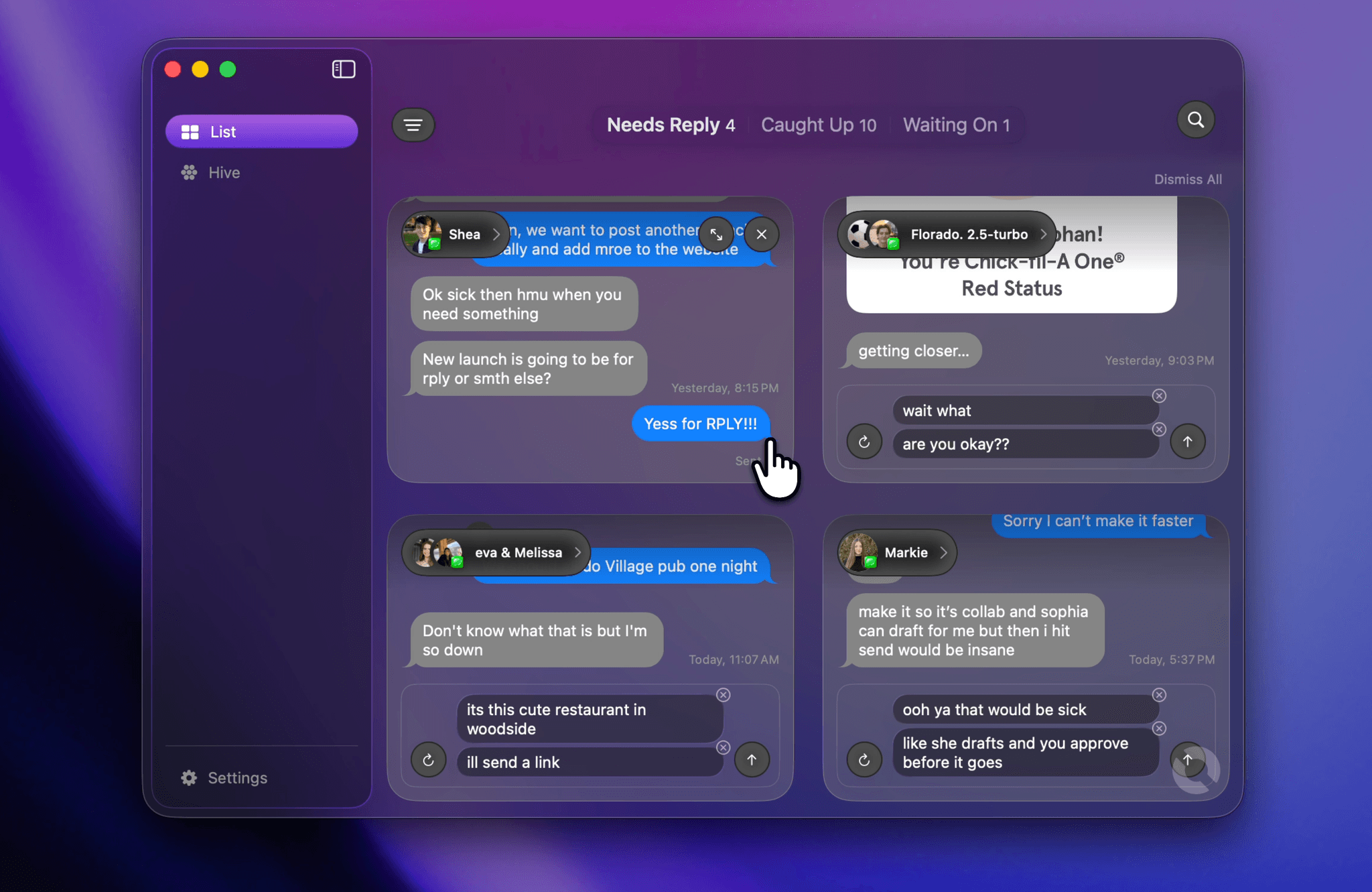
Priority Inbox & Performance Boost
Your most important conversations now automatically rise to the top with our new priority inbox. We've also added toggles for AI-generated replies and calendar event detection, plus major performance improvements and crash fixes.
- Priority inbox: Important conversations automatically rise to the top based on relationship strength and message urgency
- AI-generated replies toggle: Control when AI suggestions appear in Settings
- Auto-add calendar events toggle: Automatically detect dates and events mentioned in your messages
- Performance caching between app launches for faster startup
- Fixed crashes on M1/M2 Macs when using on-device AI embeddings
- Messages now correctly marked as needing response when reply text is present
- Send messages from all possible sender IDs (fixes some iMessage delivery issues)
- Better error handling when chat database fails to load
- Improved onboarding flow with clearer permission prompts
- Performance improvements across conversation loading and filtering
- Fixed demo mode step progression and conversation display
- Reduced unnecessary error logging to Sentry
Demo Mode & Analytics
Enhanced demo mode now activates automatically after onboarding, and we've added comprehensive analytics to help us improve RPLY. Plus, several UI polish updates and crash fixes.
- Demo mode automatically enables after completing onboarding
- Comprehensive analytics tracking for better insights
- Improved permission messaging during setup
- RPLY Agent no longer quits when last window is closed
- Fixed keyboard shortcut sending when conversation is selected
- Improved conversation auto-selection when dismissing messages
- Fixed AttributeGraph crash from cache flag mutations
- Better contact button UI and positioning
RPLY Agent + Navigation Upgrades
Meet the new RPLY Agent—your AI assistant that now stays running in the background with a helpful status indicator and quick relaunch button. We've also supercharged navigation with two-finger swipe gestures between tabs, keyboard shortcuts (⌘1-⌘3), and improved arrow-key controls to help you fly through conversations faster than ever.
- Agent status indicator with pulsing animation and relaunch button
- RPLY Agent greeting to welcome users
- Two-finger swipe gesture navigation between inbox tabs
- Improved arrow-key navigation throughout the app
- ⌘1–⌘3 keyboard shortcuts to quickly switch between conversation tabs
- Context menu to ignore contacts and prevent unwanted conversations
- WhatsApp contact names now resolved from macOS Contacts
- Redesigned inbox tab bar header for cleaner interface
- Classification redesign with improved visual presentation
- RPLY Agent no longer quits when last window is closed
- Fixed verification issues with RPLY
- Fixed ConversationFilter updates and channel inbox empty state
- Fixed force reply behavior for caught-up conversations during regeneration
- Fixed browser history search patterns
- Fixed floating window overlay not consistently activating when iMessage is open
- Stabilized contact button position in portal toolbar
- Fixed stats overlay to properly open RPLY app when clicked
- Fixed ChatClient race conditions for more reliable messaging
- Fixed spacebar input being removed while typing
- Improved handling of chat response decoding errors
Streak Tracking Improvements
Enhanced Inbox Zero tracking now remembers your best streaks and helps you stay motivated by tracking when streaks break.
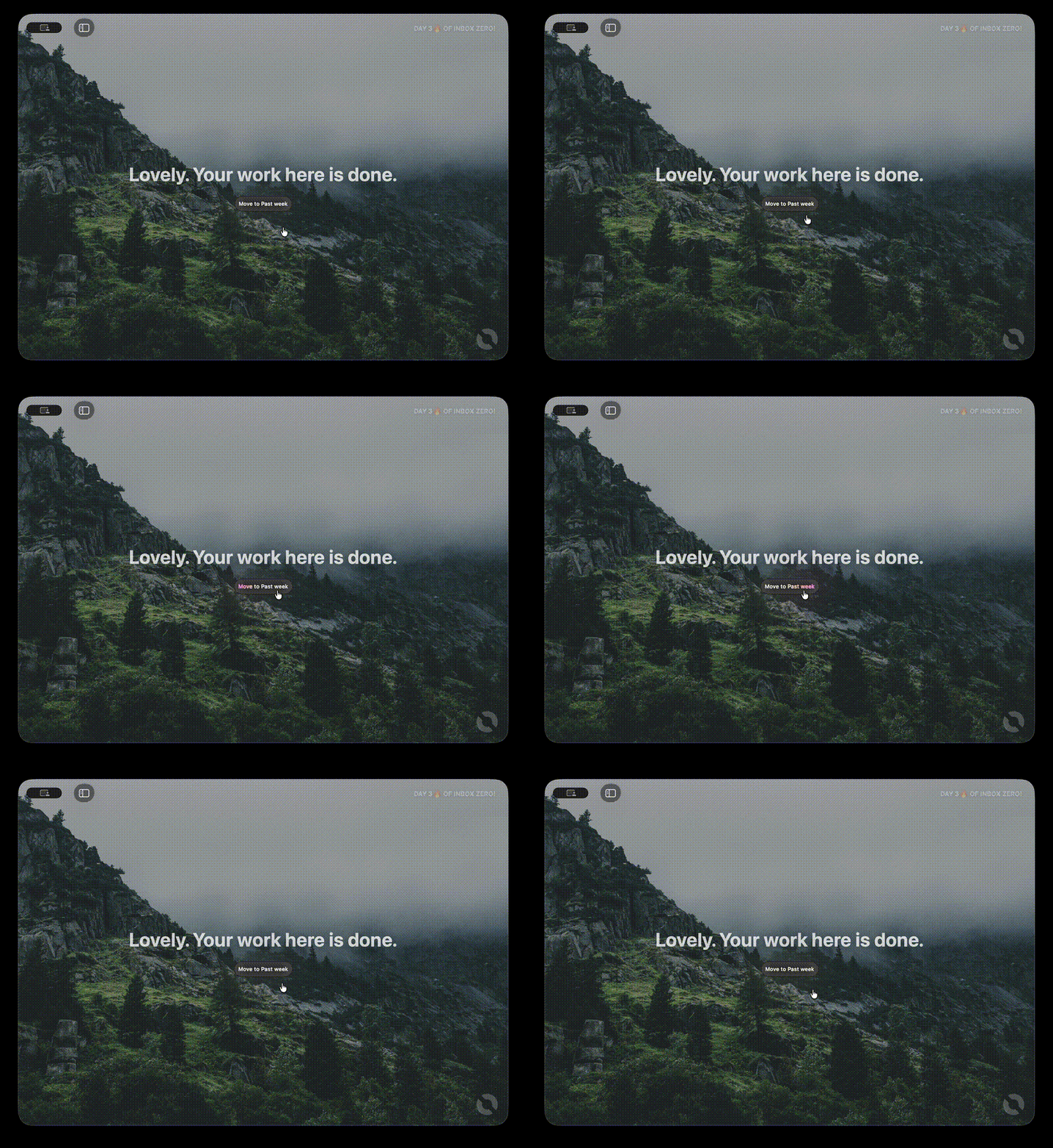
- Improved Inbox Zero streak tracking now remembers your longest streak and tracks streak breaks
- Fixed crash when adding NOX contact
Smarter Conversation Selection
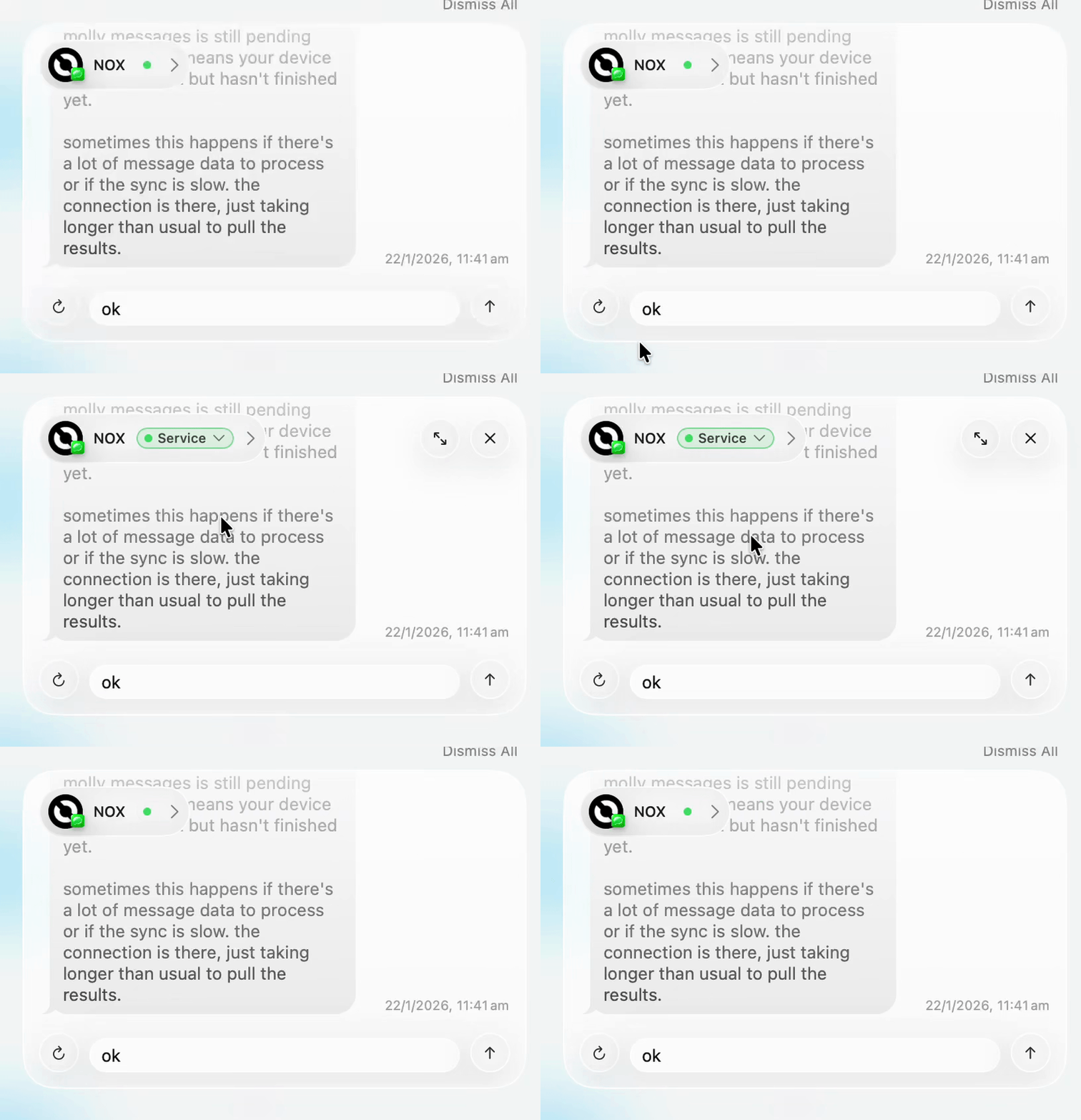
Conversations now intelligently auto-select when you switch tabs or filters, so you never see an empty screen.
- Conversations now auto-select when switching tabs or changing filters—no more empty screens
- Fixed crash when switching between conversations
Smoother, Faster, More Reliable
This release focuses on making RPLY feel incredibly responsive and rock-solid stable. We've eliminated scroll lag, fixed several crashes, and significantly reduced CPU usage when the app is idle—so RPLY stays out of your way until you need it.
- Dramatically improved scrolling performance with reduced CPU usage
- Enhanced reply generation UI with smoother animations and better visual stability
- Fixed duplicate messages appearing when sharing links
- Resolved multiple crashes related to contacts and message syncing
- Fixed animation causing 20-30% CPU usage when app was idle or in background
- Corrected layout issues with image message bubbles
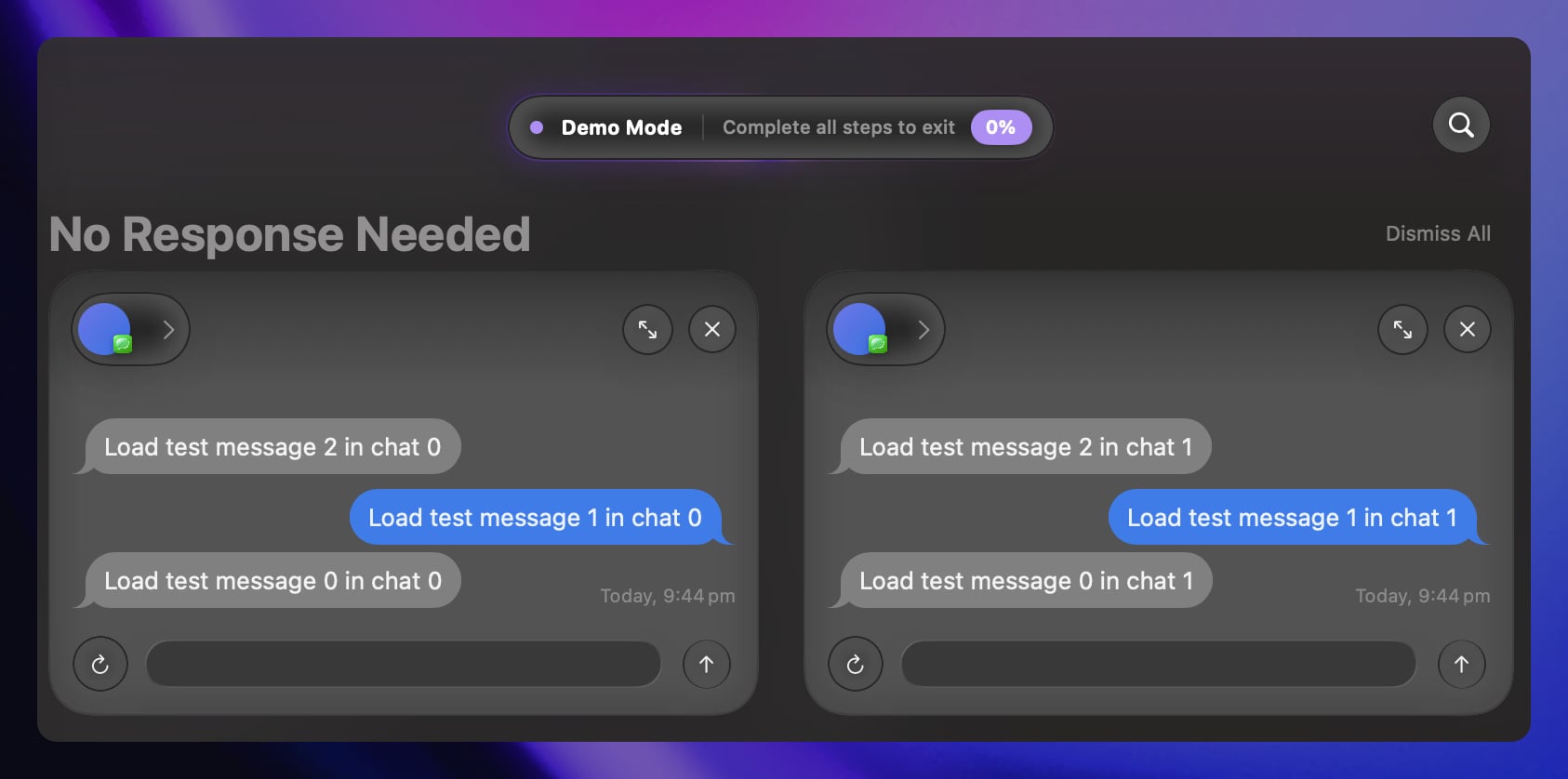
- Improved demo mode display
Smarter Conversations & Smoother Performance
This update brings experimental smart filters to help you track conversations where you're waiting on a response, plus major speed improvements that make RPLY feel snappier than ever. We've also polished the demo mode experience and fixed several bugs that were causing crashes and UI issues.
- New experimental 'Waiting On' filter to see conversations where you reached out but haven't heard back
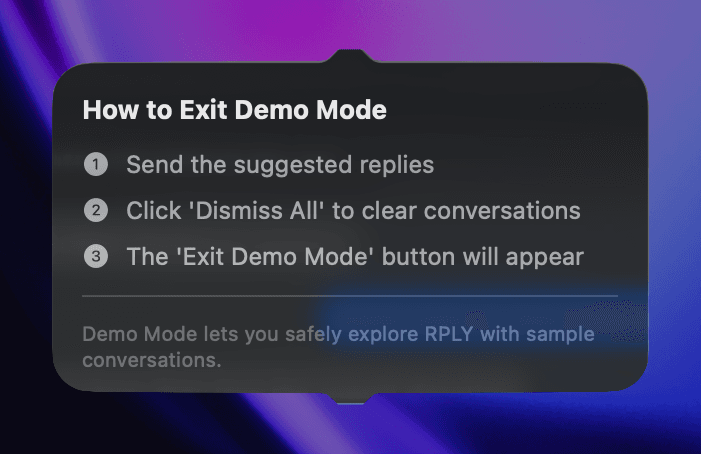
- Improved demo mode with a sleek glass-style indicator and interactive walkthrough
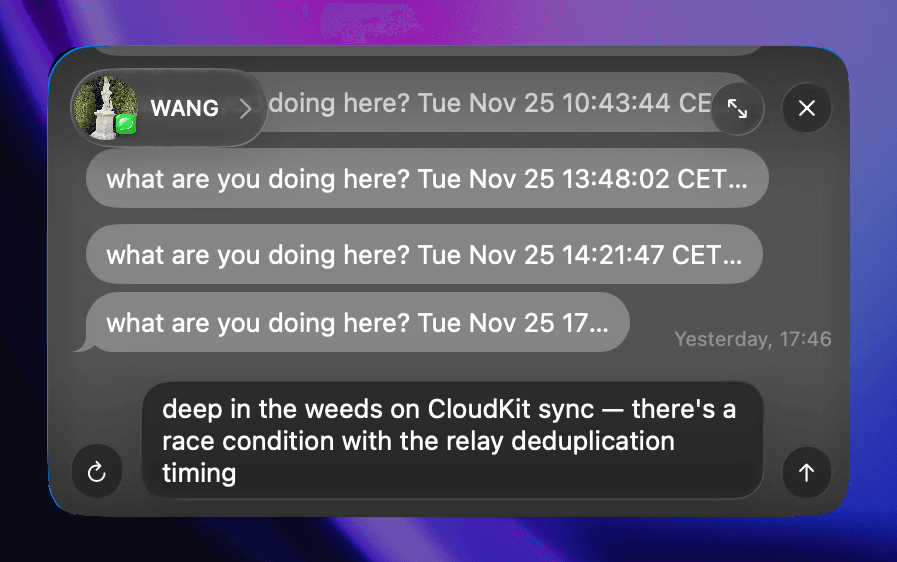
- Faster, more reliable message typing in iMessage with improved keyboard simulation
- Dramatically improved app responsiveness by moving contacts loading off the main thread
- Fixed iMessage overlay appearing after free limit was reached for non-subscribers
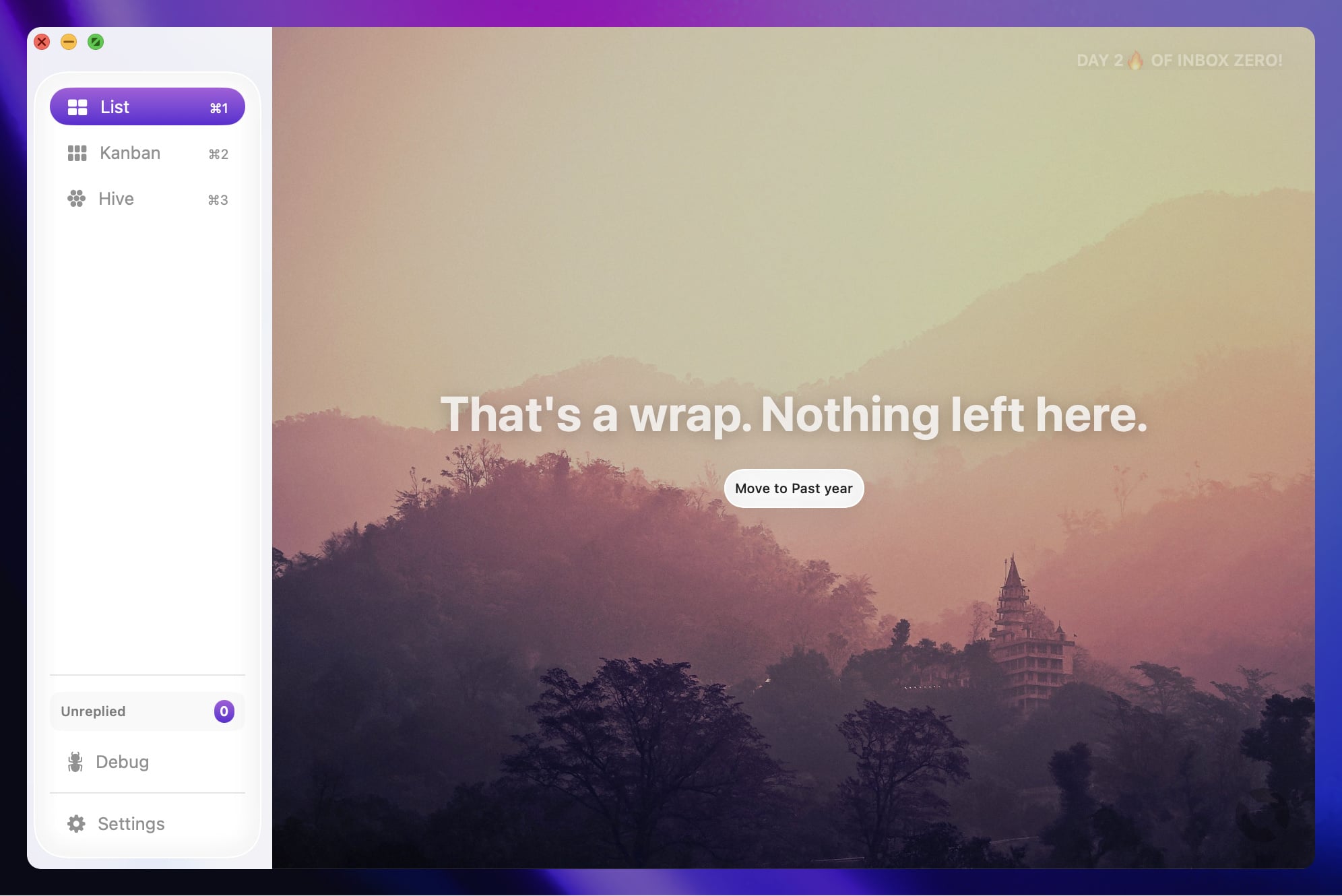
- Resolved inbox zero screen background image overflow issues
- Prevented crashes during onboarding caused by display rendering issues
Smarter Filtering & Polish Updates
This update brings powerful new ways to organize your conversations with filtering by messaging service and time range. We've also added a "What's New" feature so you'll always know what's fresh in each update, plus important fixes for iOS app icons and group chat detection.
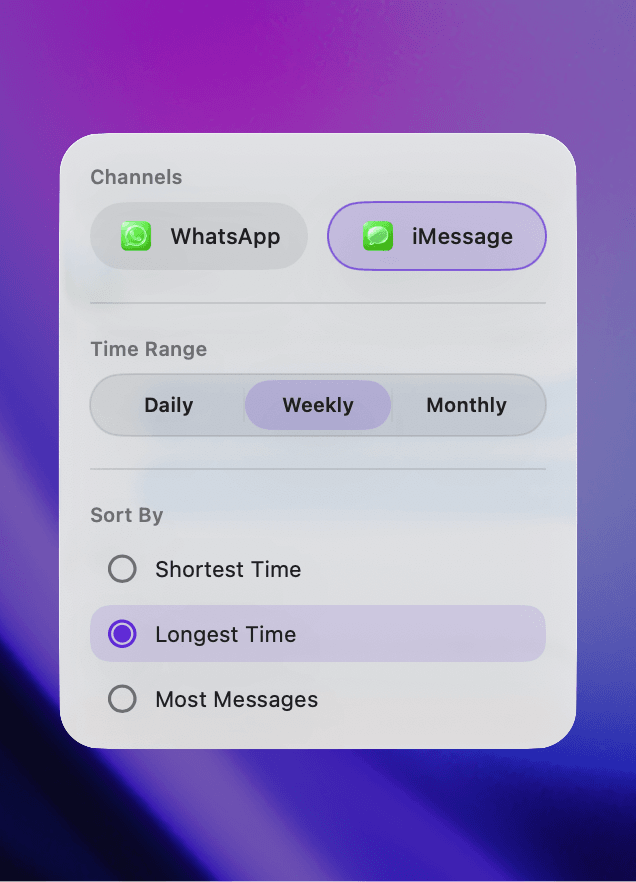
- Filter conversations by messaging service, time range, and sort order to find what matters most
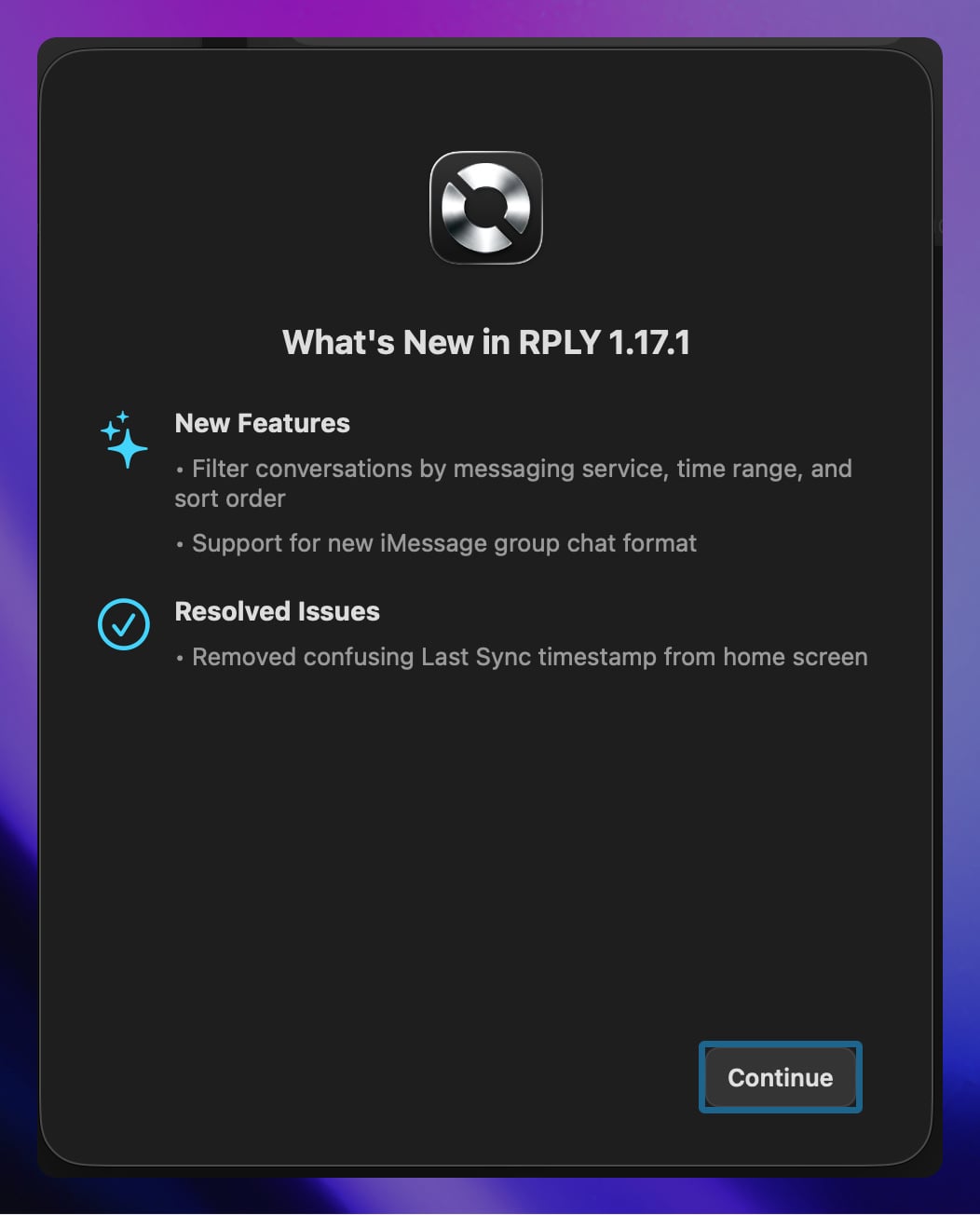
- "What's New" sheet now shows release highlights when you update to a new version
- Improved group chat detection for newer iMessage conversation formats
- Fixed app icons displaying with white backgrounds on iOS devices
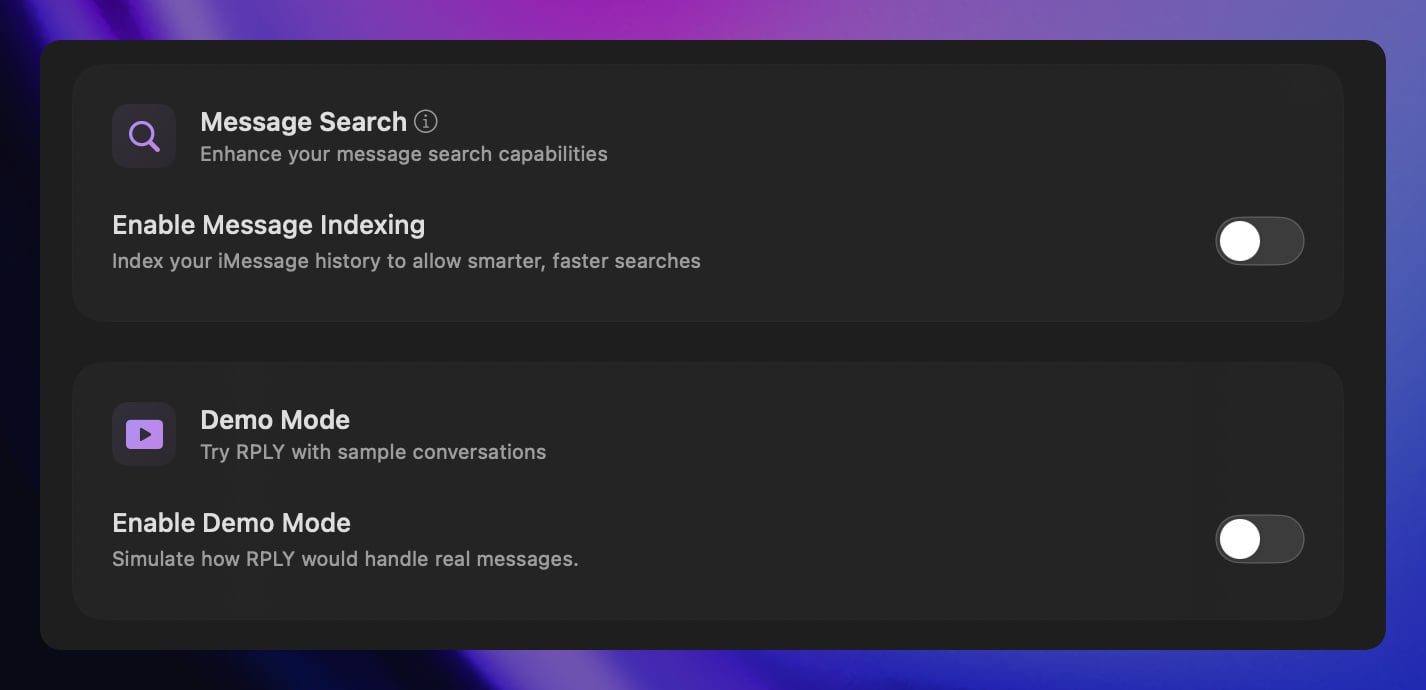
- Cleaned up settings interface by reorganizing options
- Enhanced security with updated API key protection
Smarter AI & Lightning-Fast Performance
RPLY just got a major brain upgrade! We've switched to Claude Sonnet 4.5 for dramatically better AI-generated replies, while simultaneously making the app launch faster than ever. Plus, you'll now see exactly what's happening when AI is crafting your responses.
- Upgraded to Claude Sonnet 4.5 AI model for higher quality, more natural message replies
- Added loading indicator so you know when AI is generating your response
- App now launches significantly faster and shows your conversations immediately
- Fixed formatting issues in AI-generated replies that could cause odd line breaks
- iMessage stats panel now correctly shows only iMessage conversation counts (not mixed with WhatsApp)
- Improved analytics tracking to better understand how you use RPLY
Friends Graph Window & Polish Updates
Dive deeper into your messaging patterns with the new expandable Friends Graph window, showing your top contacts in a beautiful dedicated view. We've also squashed some annoying bugs on iOS and macOS to keep your experience smooth and polished.
- Open Friends Graph in a dedicated resizable window to see your top 10 most-messaged contacts with improved tooltips
- Enhanced chart performance with better contact name resolution and smoother interactions
- Fixed duplicate messages being sent from portal conversation cards on iOS
- Corrected RPLY icon size on macOS Sonoma so it displays consistently with other apps in the Dock and System Settings
Smoother, Faster, More Reliable
This release focuses on making RPLY feel snappier and more polished. We've fixed several annoying bugs that affected contact names, reply generation, and overall performance. Plus, we've made everyday interactions like clicking to compose and navigating conversations feel more natural and responsive.
- Single-click now instantly focuses the reply composer—no more double-clicking to start typing
- Double-click any conversation to quickly expand it, matching standard macOS behavior
- Press Escape to deselect conversations consistently, no matter how you navigated to them
- Fixed missing contact names and photos during onboarding and throughout the app
- Reply generation progress indicator no longer gets stuck when generation fails
- Eliminated CPU drain from shimmer animations that could impact battery life
- Resolved issue where very long messages (3,200+ characters) caused the app to get stuck processing embeddings
- Improved keyboard navigation and conversation selection reliability